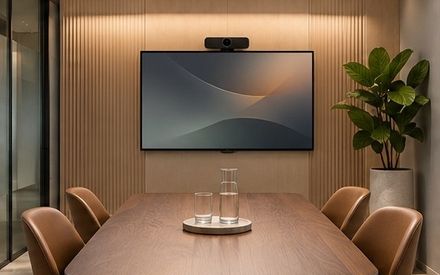
The quiet video call room — plan the next season. Give the setup a clear purpose.
| PLAN THE NEXT SEASON | | The quiet video call room | | | | | | | Review what already works, note what needs attention and choose one useful next step. In this edition: the quiet video call room. | | |
| YOUR PRIORITIES | | Consider your situation | | A polished desk is only a starting point; clear work practices make the setup useful. | | | THE NEXT STEP | | Ask a more specific question | | Test configuration changes safely and confirm access before a wider rollout. | | | | |
| 01 | | Give the setup a clear purpose | | Choose the equipment and workspace around the work you actually need to complete. | | | 02 | | Keep a concise handoff note | | Record the current state, the next owner and the decision that still needs attention. | | | 03 | | Use approved information in examples | | Keep private customer material out of demos, screenshots and unapproved tools. | | |
| Start with your priorities | | A useful workflow connects the task with its owner and the information needed to act. | | | Before you decide | | Check current information and ask the team about details specific to your needs. | | | | |
| The quiet video call room | | A closer visual study from Tandem Product Lab. Use the full guide to connect what you see with the practical details of your work setup. | | | | |
| Your next step with Tandem Product Lab | | Explore the guide at your own pace, or contact the team when you want to discuss the details. | | | | |
| | | · | | You opted in to updates from . | | Questions? | | | | | | | | © | | |