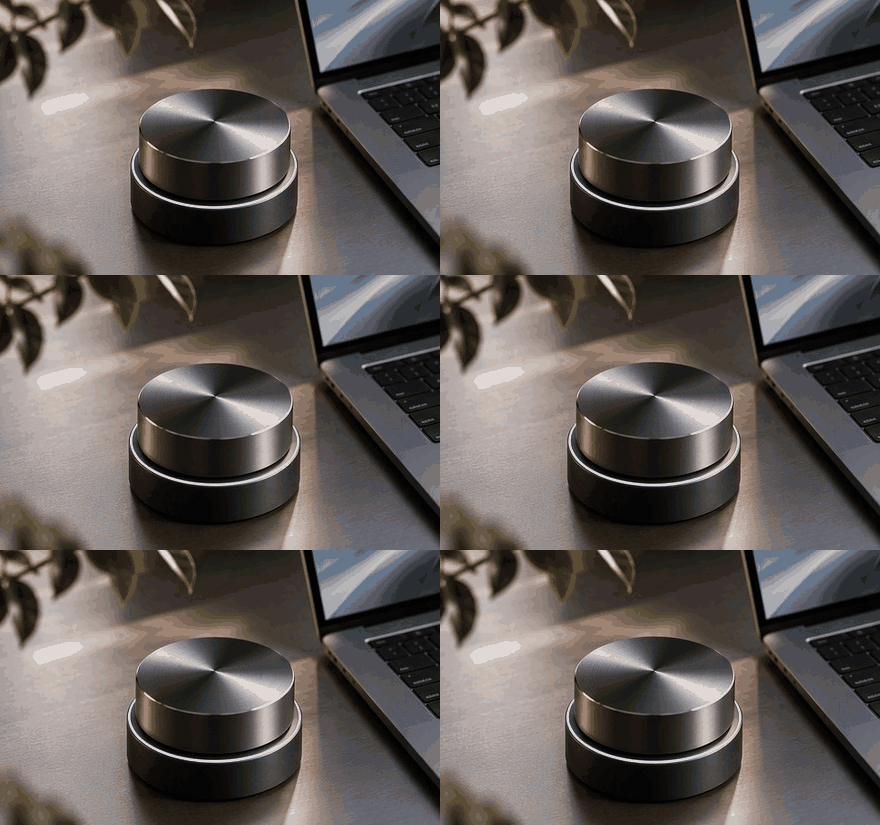
The tactile control surface — a thoughtful first look. Keep a concise handoff note.
| A calmer setup for focused product work | | The tactile control surface | | | | A focused preview of form, function and the points worth checking in person or online. In this edition: the tactile control surface. | | |
| Keep a useful reference | | Keep configuration decisions and support contacts in an approved shared reference. | | | Find the note you need | | The a thoughtful first look guide brings the supporting information together so you can review it at your own pace. | | | | |
| A practical sequence | | 1. Define your priorities | | Write down what you need from your work setup and any practical constraints. | | 2. Check the current details | | Use the linked guide and published information to resolve the points you are unsure about. | | 3. Choose one useful next action | | Explore the preview, then save the details you want to discuss with the team. | | |
| 01 | | Give the setup a clear purpose | | Choose the equipment and workspace around the work you actually need to complete. | | | 02 | | Keep a concise handoff note | | Record the current state, the next owner and the decision that still needs attention. | | | 03 | | Use approved information in examples | | Keep private customer material out of demos, screenshots and unapproved tools. | | |
| Start with your priorities | | A useful workflow connects the task with its owner and the information needed to act. | | | Before you decide | | Check current information and ask the team about details specific to your needs. | | | | |
| Your next step with Tandem Product Lab | | Explore the guide at your own pace, or contact the team when you want to discuss the details. | | | | |
| · | | You opted in to updates from . | | Questions? | | |